




Skip to content

Director's Pre-Production Tool

Built by a director, for directors.

Everything you need for smooth pre-production.

Key Features

Intuitive & Customizable

Adapts perfectly to your workflow. Shape your project exactly the way you want without friction.

Works Offline

No internet? No problem. Full functionality offline with automatic syncing the moment you reconnect.

True Live Collaboration

Real-time sync across all your devices. Invite your whole crew to collaborate instantly at no additional cost.

Shot Lists

Create a shot list for your film, modify production details, add previs, all while your data syncs across all of your devices.

Storyboards

Visualize your film with storyboards. Upload visual references, scout photos and previs.

View your storyboards in linear mode to see your film’s progression. Or in grid view mode, to see the big picture.

Cast & Crew

Centralize your production contacts. Manage team and talent for call sheets, and link crew members directly to shot lists and storyboards with invites.

Call Sheets

Generate professional call sheets directly from your schedule. Seamlessly pull in data from your Cast & Crew lists to distribute updates in real-time through the app, or export PDFs for external sharing.

Script Editor, Lock and Breakdown

Write your screenplay in CineLog or import it from FDX, Fountain, PDF, RTF or plain text. A re-import shows up as a scene-by-scene diff, so you accept only what changed.

Lock scene numbers and pages, then revise in the standard colors, with asterisks in the margin, A-pages, omitted scenes, and an export of the revised pages only. Tag cast, props, wardrobe and every other element right on the page. Tagged cast flows into Cast & Crew, the schedule and the call sheet.

Shooting Schedule

Lay out the shoot as a stripboard. Every scene is a strip, colored by INT/EXT and day/night, with its location, cast numbers, page length, start time and estimate.

Drag strips between days, split a scene across two days, and keep unplaced scenes in Unscheduled. The board and the shot list share the same production days, so a change in either shows in both, and a finished day flows straight into that day’s call sheet. Export the board as a PDF.

AV Script

Lay out two-column AV scripts for commercials, explainers, and branded content, pairing every visual with its voiceover, music, and SFX row by row, each linked to its storyboard frame.

Send clients a review link to comment and approve, right in their browser. Their feedback and sign-off sync straight back into CineLog, keeping your whole team on one version.

Meet the Team

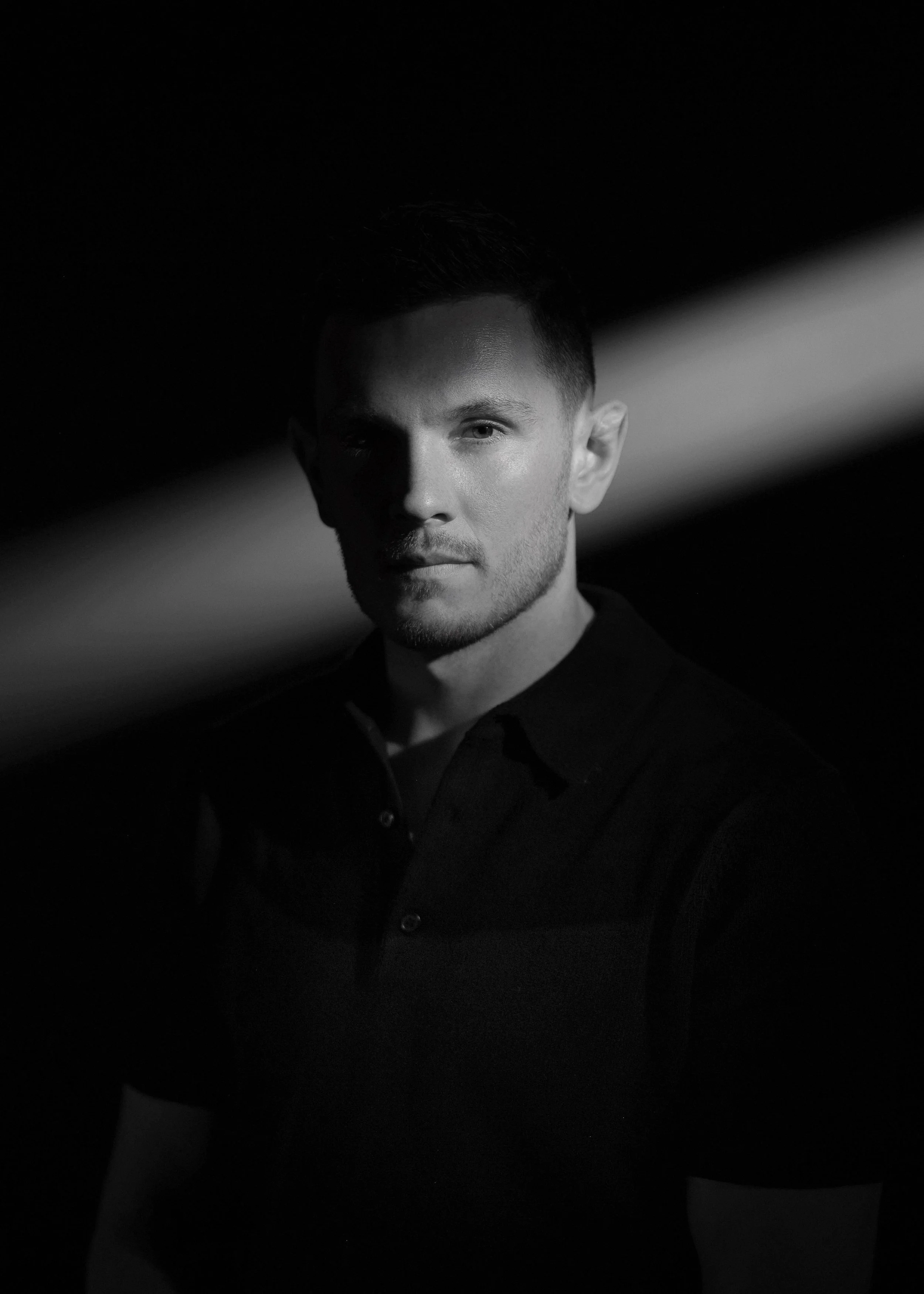
Portrait of Olexiy Kryvych

Olexiy Kryvych

Co-Founder / CPO

Olexiy Kryvych is a Ukrainian-born film director, writer, and actor based in Austin, TX.

As a working director across narrative films, commercials, branded documentaries, and music videos, he spent years searching for a pre-production tool that truly fit his workflow.

When he couldn't find one, he decided to build it, partnering with a software architect who shared his vision.

Portrait of Ivan Shcherbina

Ivan Shcherbina

Co-Founder / CEO / CTO

Ivan Shcherbina is a Ukrainian software architect, free-time DP, and entrepreneur based in Austin, TX.

His dual perspective as a software architect and DP allowed him to identify a significant gap in well-designed software for pre-production.

Realizing no existing tool adequately filled this void, he decided to build one, partnering with a film director who shared his vision.

RoadMap

Script Sides

Personalized PDF sides for every cast and crew member. CineLog auto-gathers each person's scenes from the shoot schedule, preserves original page numbers, and gives you a review screen before sending.

Approval Workflows

A formal Request → Review → Approve/Reject chain on call sheets, shot lists, and shared documents. Routes by role and blocks distribution until sign-off lands.

Script Lining

Mark up the shooting script with vertical coverage lines per camera setup. Straight lines for on-screen, wavy for off-screen. Each line links directly to its shot in the shot list.

Authentication

Log in or sign up

Verify your email to manage your workspaces and subscriptions.